
Manage Projects
Creating separate RPC projects for each business scenario enables category-based API permission management.
Purpose
In addition to the projects created by default on the platform, you can also create and manage your own projects. To avoid mutual interference and security risks between different business scenarios, a project-isolated management model is adopted, creating independent RPC call projects for each business scenario.
Create a New Project
You can create multiple prjects on the ZAN Node Service platform to isolate applications and secure production environments. Each project comes with a unique API key, enabling users to access all public chains supported by the node service without additional configurations.
Different plans allow for a different number of projects to be created, with specific limitations as follows:
| Plan | Free | Growth | Pro | Enterprise |
|---|---|---|---|---|
| Projects | 3 | 10 | 30 | Custom |
The steps for creating a project are as follows:
-
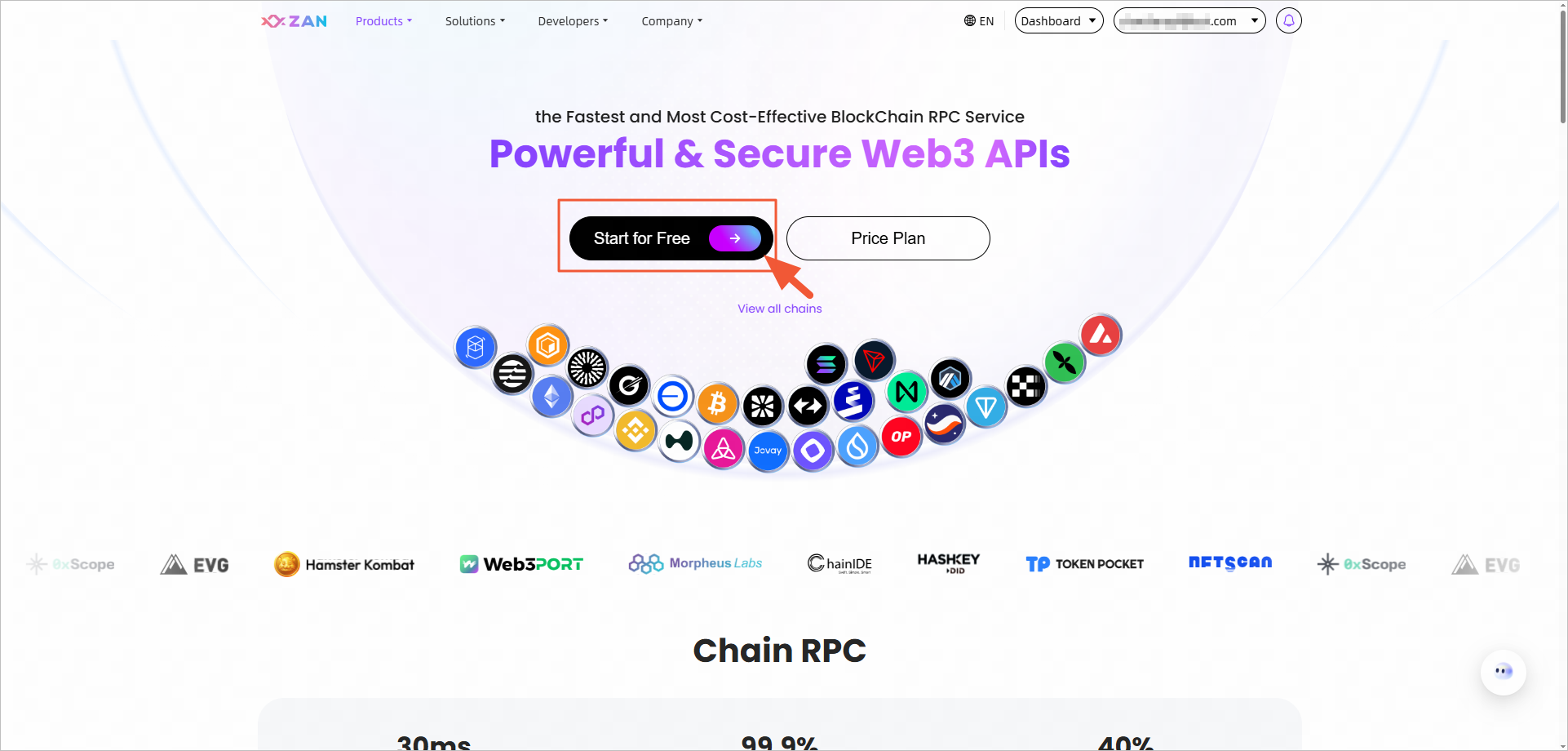
Click Start for Free on the ZAN Node Service Console.
-
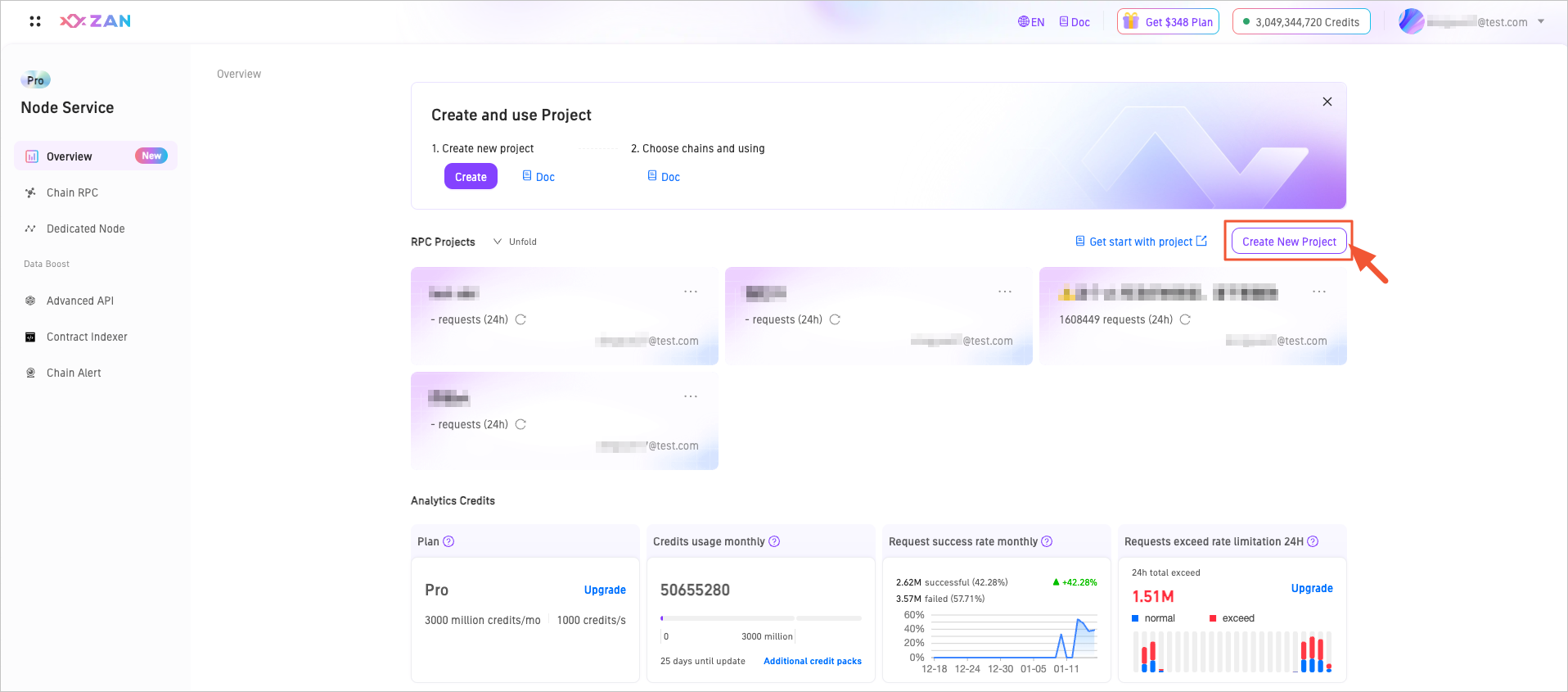
On the overview page, click the Create New Project button in the upper right corner.
-
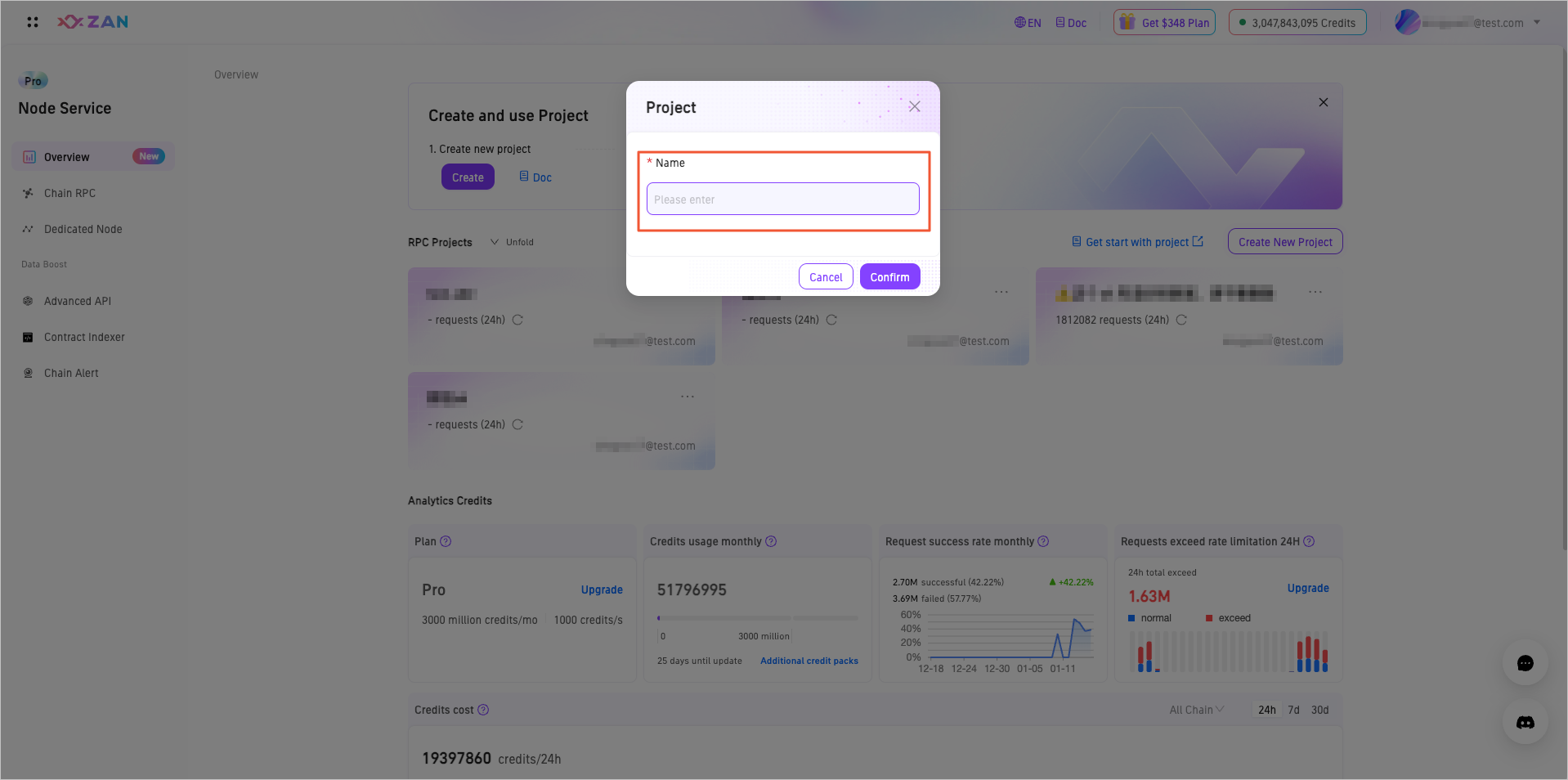
In the popup window, fill in the project name. Please ensure the project name is unique.
-
Click Confirm to complete the creation.
Edit a Project
Editing a project only allows modification of the project's name.
-
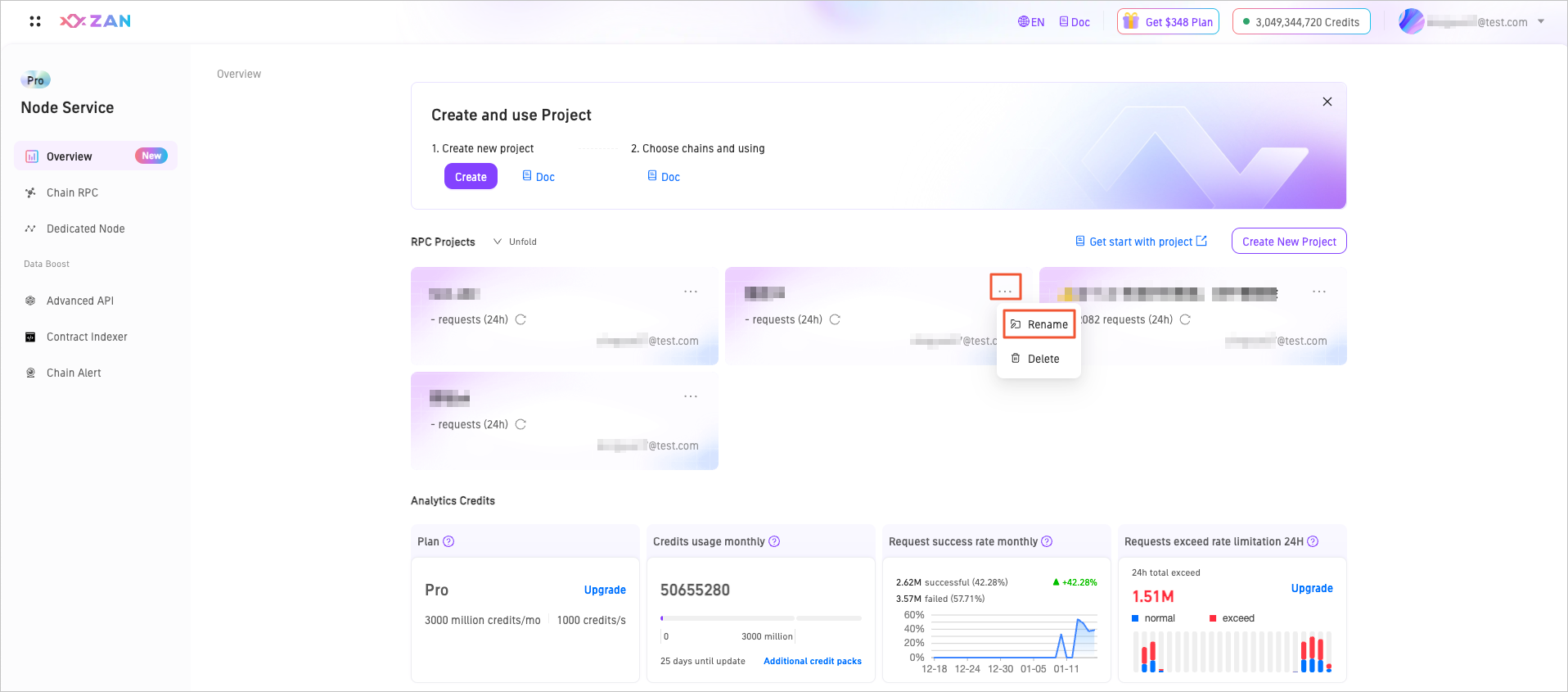
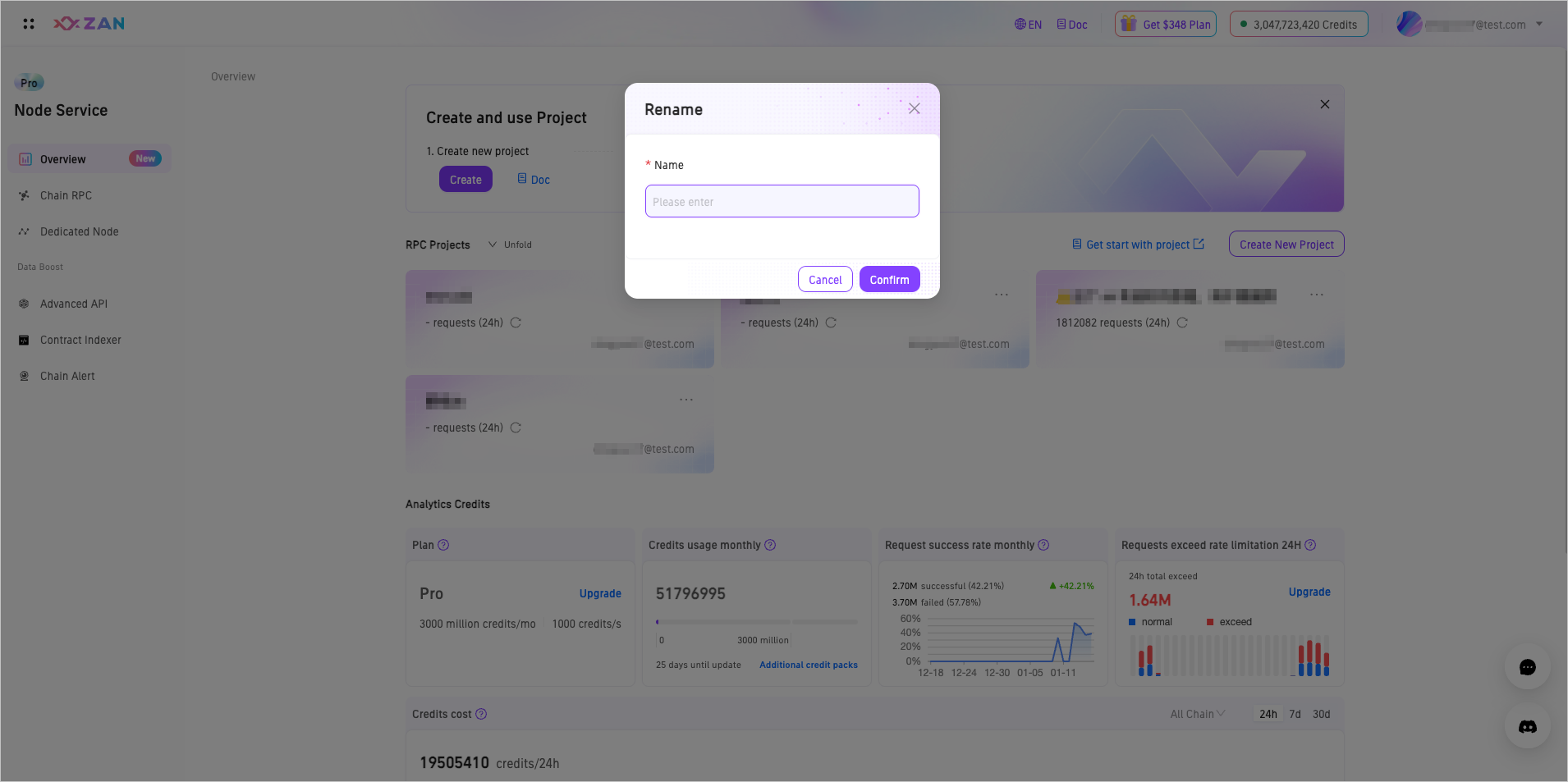
On the overview page of the Node Service, select and click the Rename button in the upper right corner of the target project.
-
Rename the project in the pop-up window and click Confirm. Note that project names must be globally unique.
Delete a Project
When deleting a project, ensure that there is at least one API key retained on the platform, meaning at least one project must remain undeleted.
-
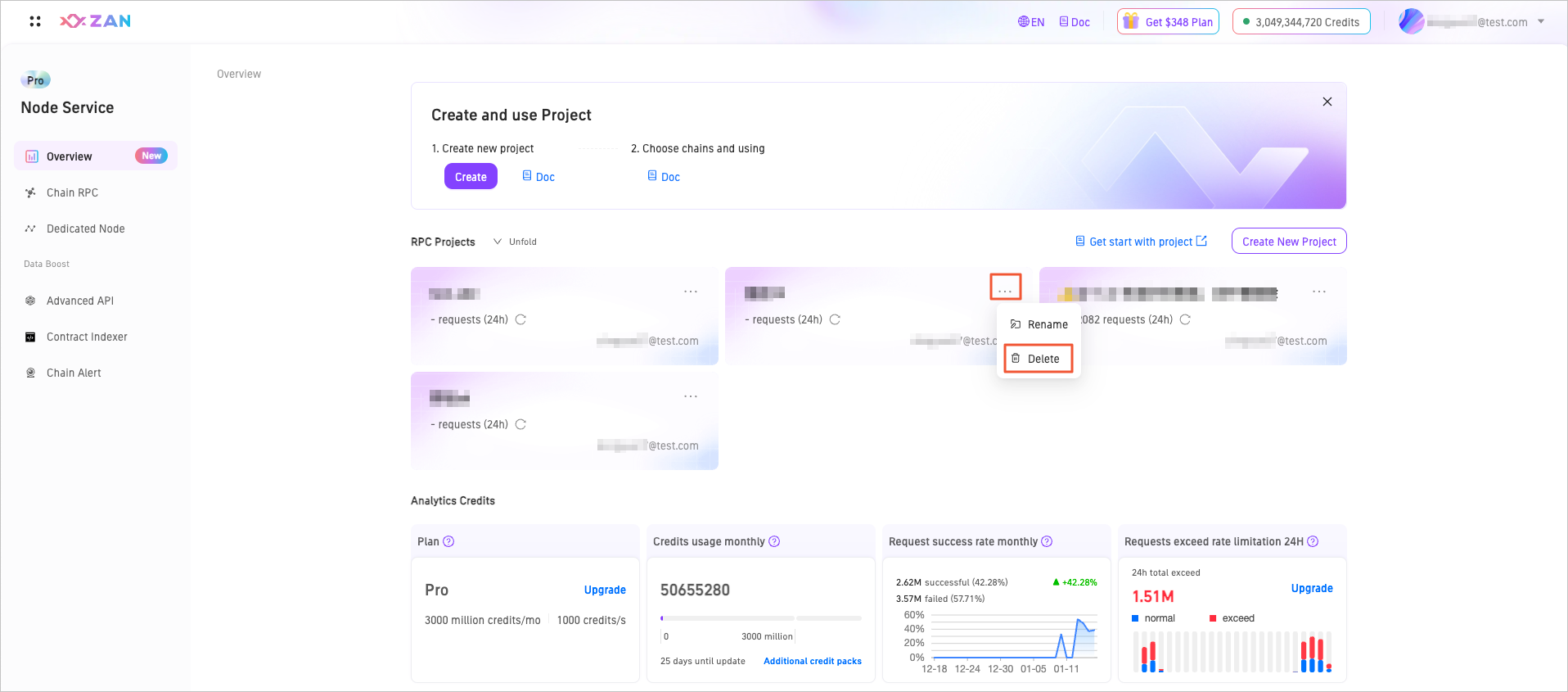
On the overview page of the Node Service, select and click the Delete button in the upper right corner of the target project.
-
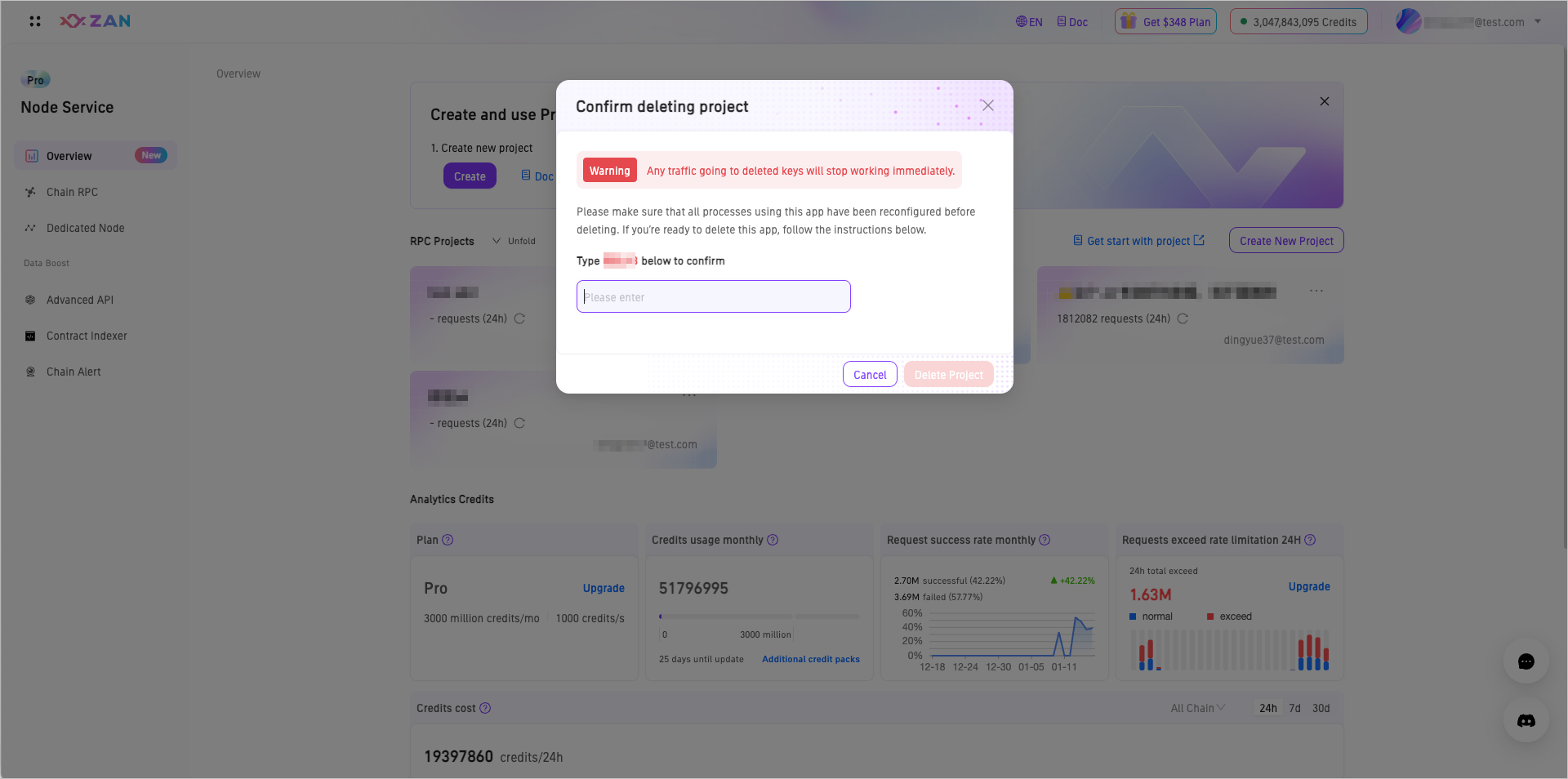
In the pop-up window, confirm the information and enter the confirmation content as prompted, then click Delete Project to remove the project.
View Project API key
-
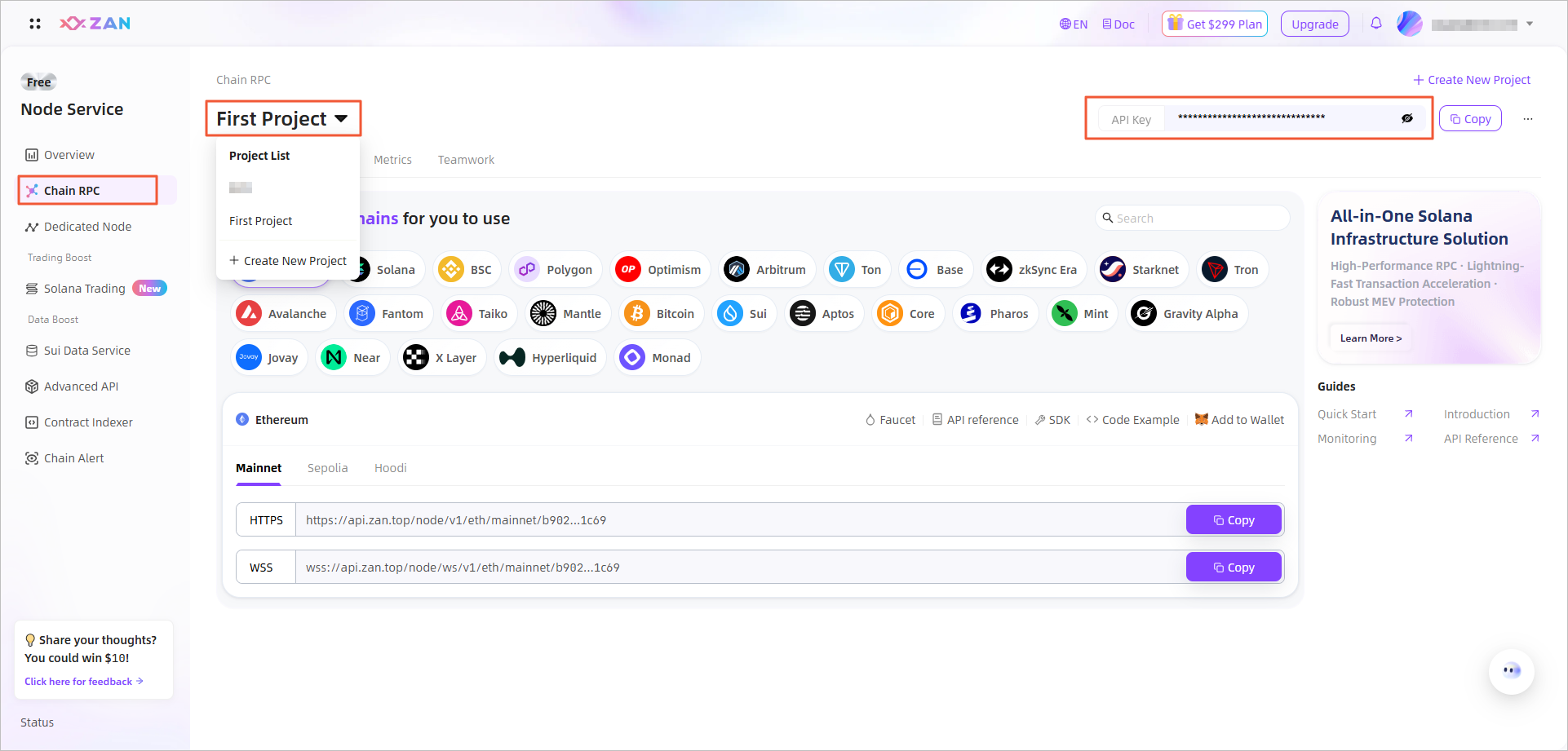
Go to Node Service Dashboard → Chain RPC.
-
Select target project.
-
Click top-right eye icon to show/hide API key.
Updated 6 months ago