For AI agents: visit https://docs.zan.top/llms.txt for an index of all pages formatted in Markdown and endpoints in OpenAPI. Append .md to any documentation page URL to get its markdown version.
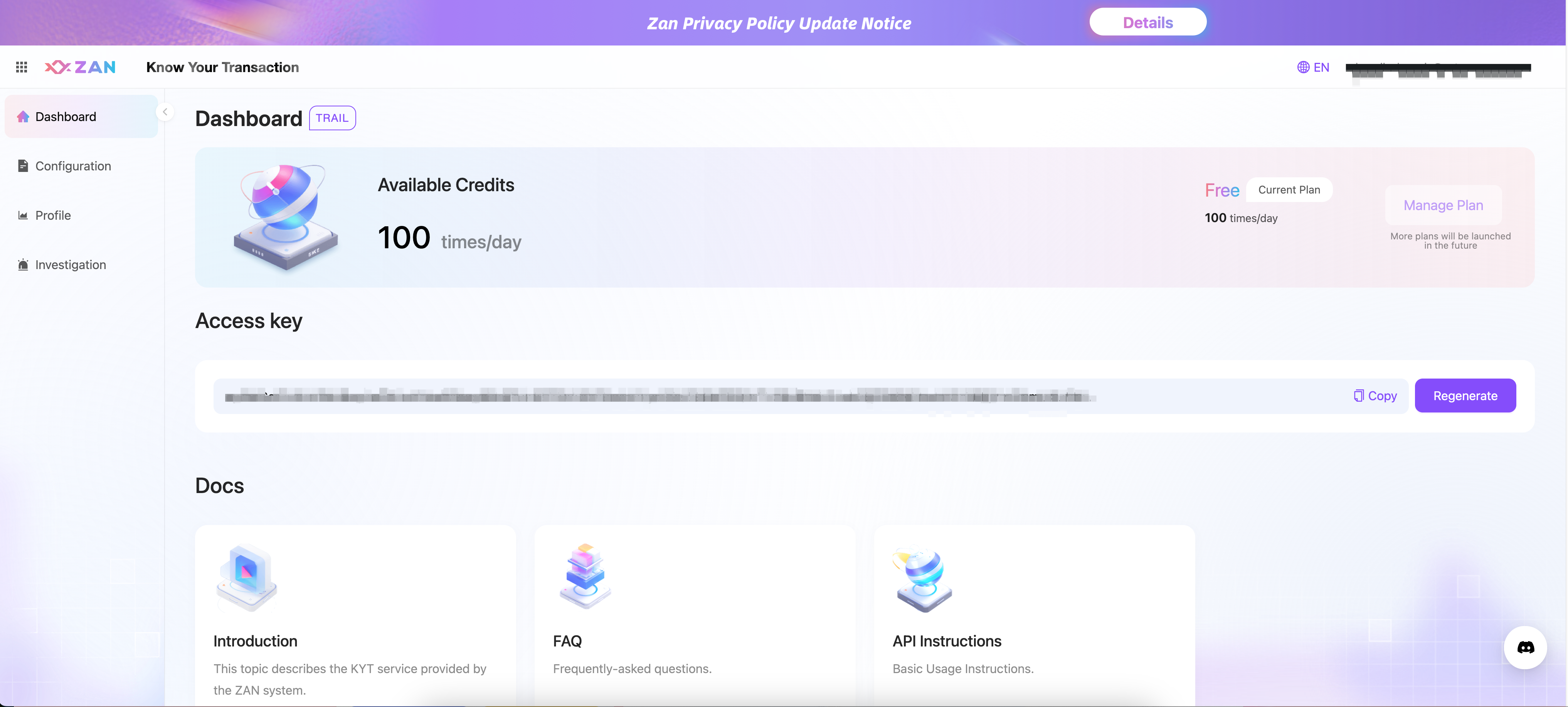
You should get an Access Key before you get started.
Access Key is generated from KYT console by yourself. The following picture shows how to generate Access Key.
Access Key should be added to the header of your request. Here are some examples about how to use Access Key.
## Replace {apiKey} with the API key you obtained from the ZAN dashboard.
## You can also replace the "eth" and "mainnet" with any other supported networks.
curl https://api.zan.top/kyt/v1/score \
     -H "Content-Type: application/json" \
     -H "Authorization:Bearer {apiKey}" \
     -X POST \
     -d "{\"objectId\":\"0xA160cdAB225685dA1d56aa342Ad8841c3b53f291\",\"objectType\":\"address\",\"analysisType\":\"\",\"chainShortName\":\"eth\",\"depth\":\"\"}"